
Launching a website is one of the most important steps for any business, startup, freelancer, or personal brand in today’s digital-first world. Whether you want to showcase your services, sell products online, build authority, or generate leads, a professionally launched website acts as your digital foundation.
At Infotech Wayout, we often meet business owners who ask a simple but powerful question: How do I launch a website the right way? The truth is that website launching is not just about putting a few pages online. It involves planning, design, development, content creation, SEO, testing, and marketing.
This comprehensive guide will walk you through everything you need to know about launching a website, even if you have zero technical knowledge. By the end of this blog, you will clearly understand the complete website launch process, common challenges, costs, tools, and best practices.
Understanding What It Means to Launch a Website
Before jumping into technical steps, it is important to understand what launching a website truly means.
Launching a website is the process of taking your website from an idea to a live, publicly accessible platform on the internet. It includes defining goals, choosing the right domain and hosting, designing user-friendly pages, adding high-quality content, optimizing for search engines, testing performance, and finally publishing the site.
A successful website launch is not rushed. It is strategic, user-focused, and growth-oriented.
At Infotech Wayout, we treat website launches as long-term digital investments rather than one-time tasks.
Step 1: Define the Purpose and Goals of Your Website
Every successful website begins with clarity.
Ask Yourself These Questions
- Why do I want to launch a website?
- Is it for business, blogging, ecommerce, or personal branding?
- Who is my target audience?
- What action should visitors take?
Common Website Goals
- Generate leads
- Sell products or services
- Build brand credibility
- Share information or content
- Grow an online audience
Defining goals early helps determine the website structure, design, content, and marketing strategy. Without clear goals, your website may look good but fail to deliver results.
Step 2: Choose the Right Domain Name
Your domain name is your website’s digital address and brand identity.
Tips for Choosing a Domain Name
- Keep it short and easy to remember
- Avoid numbers and special characters
- Use your brand or business name
- Choose the right extension like .com, .in, or .co
- Make it easy to spell and pronounce
For example, a business-focused website should ideally use a .com or country-specific extension like .in for India.
Your domain name plays a role in branding, credibility, and search engine visibility.
Step 3: Select a Reliable Web Hosting Provider
Web hosting is where your website files are stored and served to users.
Types of Web Hosting
- Shared Hosting for small websites
- VPS Hosting for growing businesses
- Dedicated Hosting for high-traffic websites
- Cloud Hosting for scalability and performance
What to Look for in Hosting
- Fast loading speed
- High uptime guarantee
- Strong security features
- Good customer support
- Scalability options
Choosing reliable hosting ensures your website remains accessible, fast, and secure.
Step 4: Decide the Type of Website You Need
Not all websites are the same. Choosing the right type depends on your goals.
Common Website Types
- Static website for basic business presence
- Dynamic website for content updates
- Ecommerce website for online selling
- Portfolio website for creatives
- Blog or content-based website
- Corporate website for large organizations
At Infotech Wayout, we help clients choose the best website type based on their industry, audience, and growth plans.
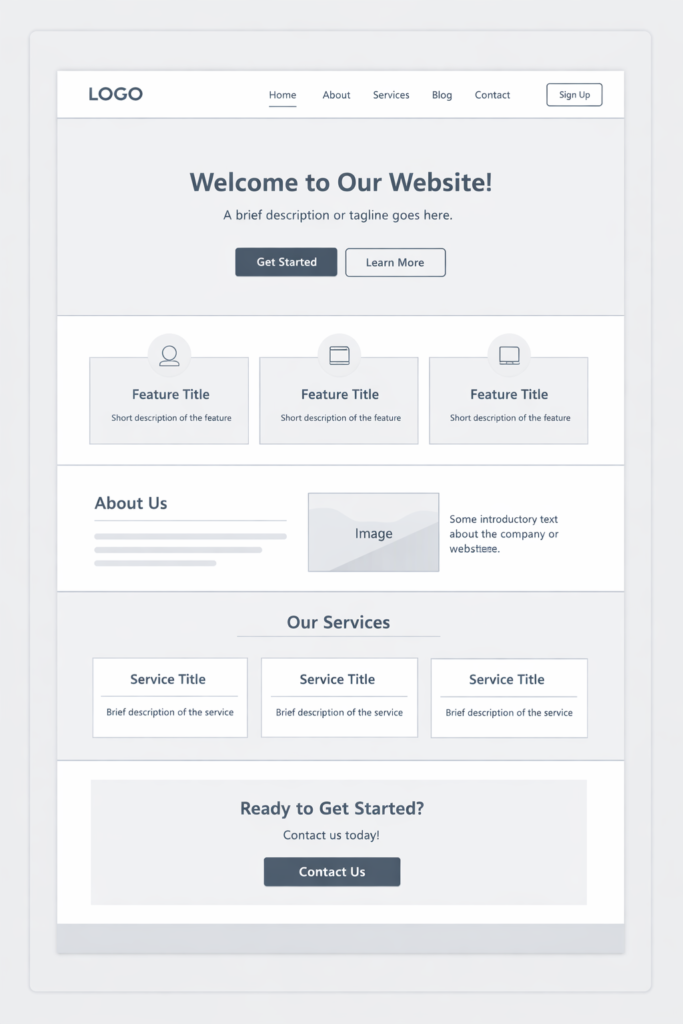
Step 5: Plan Your Website Structure and Pages
Website structure plays a major role in user experience and SEO.
Essential Pages for Most Websites
- Home page
- About us
- Services or products
- Contact page
- Privacy policy
- Terms and conditions
Additional Pages That Add Value
- Blog section
- FAQ page
- Testimonials
- Case studies
- Career page
A clear navigation structure helps users find information easily and improves search engine crawling.
Step 6: Design a User-Friendly Website Layout
Website design is not just about visuals. It is about usability.
Key Website Design Principles
- Clean and clutter-free layout
- Consistent colors and fonts
- Mobile responsiveness
- Easy navigation
- Clear call-to-action buttons
Your website design should guide visitors naturally toward your business goals.
Step 7: Develop the Website Using the Right Technology
Website development turns design into a functional platform.
Popular Website Development Options
- WordPress for flexibility and SEO
- Custom HTML, CSS, and JavaScript
- Ecommerce platforms like WooCommerce or Shopify
- Frameworks for advanced web applications
WordPress is one of the most widely used platforms due to its scalability, ease of use, and SEO-friendly structure.
At Infotech Wayout, we choose technology based on performance, security, and future scalability.
Step 8: Create High-Quality Website Content
Content is the backbone of your website.
Types of Website Content
- Homepage content
- Service descriptions
- Product details
- Blog articles
- Visual content like images and videos
Content Writing Tips
- Write for your audience, not search engines
- Use simple and clear language
- Highlight benefits over features
- Include relevant keywords naturally
- Keep paragraphs short and readable
High-quality content builds trust, improves SEO, and increases conversions.
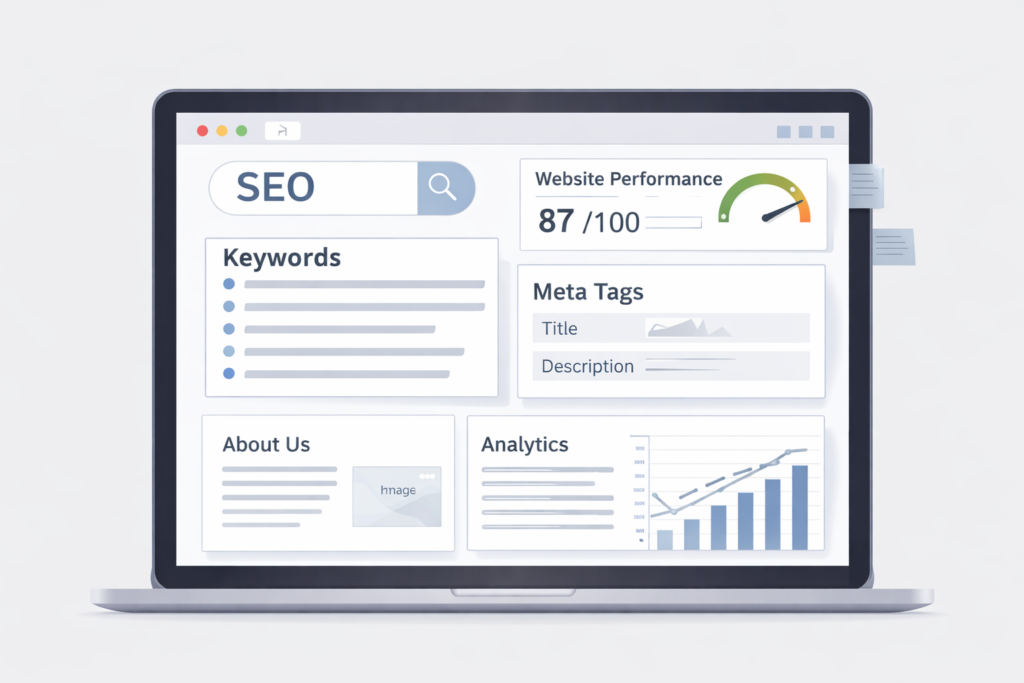
Step 9: Optimize Your Website for Search Engines
Search engine optimization is essential when you launch a website.
Basic On-Page SEO Elements
- Keyword-optimized page titles
- Meta descriptions
- Proper heading tags
- Internal linking
- Image alt text
- Fast loading speed
Primary keyword: how do I launch a website
This keyword should be used naturally across headings, content, and FAQs without overstuffing.
Step 10: Make Your Website Mobile-Friendly
More than half of website traffic comes from mobile devices.
Why Mobile Optimization Matters
- Better user experience
- Higher search engine rankings
- Increased engagement and conversions
- Lower bounce rates
Ensure your website adapts seamlessly to smartphones and tablets.
Step 11: Add Essential Website Features
Modern websites require functional features.
Must-Have Features
- Contact forms
- Click-to-call buttons
- Social media integration
- Live chat support
- SSL certificate for security
These features improve usability, trust, and customer interaction.
Step 12: Test Your Website Before Launch
Testing prevents errors and ensures smooth performance.
Website Testing Checklist
- Check all links and buttons
- Test contact forms
- Review mobile responsiveness
- Check loading speed
- Test browser compatibility
- Proofread content
Testing is one of the most critical steps when learning how do I launch a website successfully.
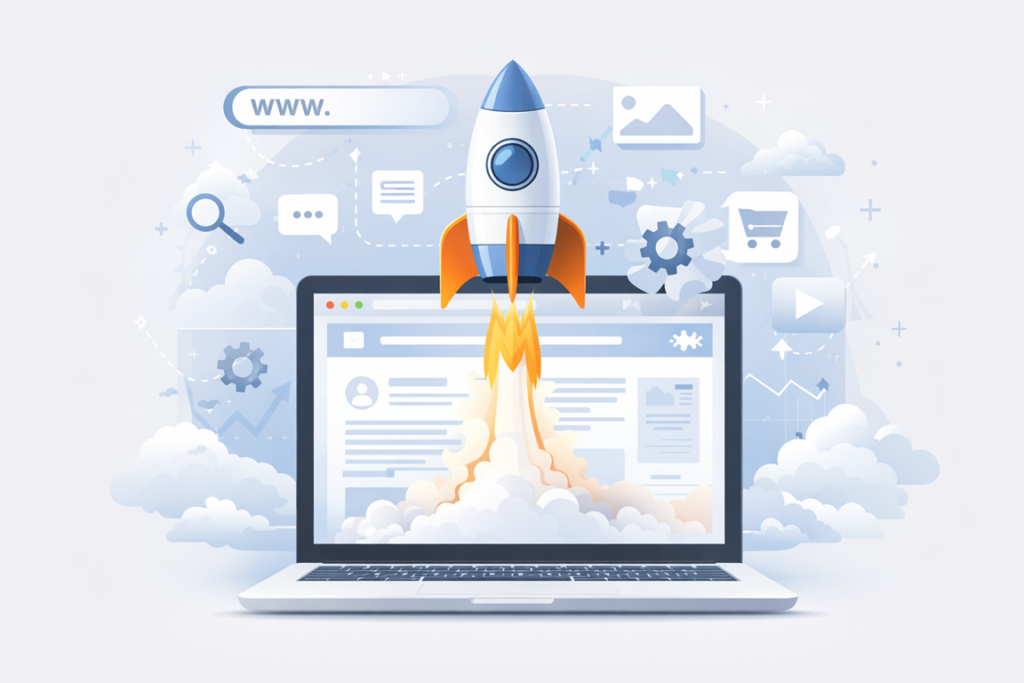
Step 13: Launch Your Website Live
Once everything is ready, it is time to launch.
Final Launch Steps
- Connect domain to hosting
- Upload website files
- Configure DNS settings
- Enable SSL certificate
- Submit sitemap to search engines
Congratulations. Your website is now live.
Step 14: Promote Your Website After Launch
Launching a website is only the beginning.
Website Promotion Strategies
- Social media marketing
- Search engine optimization
- Email marketing
- Google Business Profile
- Content marketing
- Paid advertising
Promotion helps attract traffic and convert visitors into customers.
Step 15: Monitor Performance and Improve Continuously
Website improvement is ongoing.
Tools to Monitor Website Performance
- Google Analytics
- Google Search Console
- Page speed tools
- Heatmaps and user behavior tools
Regular updates, content optimization, and performance monitoring help your website grow over time.
Common Challenges When Launching a Website
Launching a website comes with challenges.
Typical Challenges
- Choosing the right platform
- Budget limitations
- Technical issues
- Content creation delays
- SEO implementation mistakes
Partnering with a professional website development company like Infotech Wayout helps avoid these issues and ensures a smooth launch.
Why Choose Infotech Wayout to Launch Your Website
At Infotech Wayout, we specialize in creating high-performing websites that are visually appealing, SEO-friendly, and conversion-focused.
Our Website Launch Services Include
- Domain and hosting assistance
- Custom website design
- SEO optimization
- Mobile-friendly development
- Speed and security optimization
- Ongoing support and maintenance
We do not just build websites. We launch digital success platforms.
Frequently Asked Questions About Launching a Website
1. How long does it take to launch a website?
The time required depends on website complexity. A basic website can be launched in 1 to 2 weeks, while larger websites may take 4 to 8 weeks.
2. How much does it cost to launch a website?
Website launch costs vary based on design, features, and development. Basic websites may cost less, while custom websites require higher investment.
3. Do I need technical knowledge to launch a website?
No. With professional support from a web development company, you do not need technical skills.
4. Is SEO necessary when launching a website?
Yes. SEO helps your website rank on search engines and attract organic traffic from day one.
5. Can I launch a website myself?
You can, but professional guidance ensures better design, performance, security, and long-term growth.
6. What should I do after launching my website?
Focus on promotion, content updates, SEO optimization, and performance monitoring.
7. How often should I update my website?
Regular updates improve security, user experience, and search rankings. Content should be updated monthly or as needed.
8. Why is professional website testing important before launch?
Testing prevents broken links, slow speed, and usability issues that can negatively affect visitors and SEO.
Final Thoughts: How Do I Launch a Website Successfully?
Launching a website is a strategic journey that combines planning, creativity, technology, and marketing. When done right, your website becomes a powerful business asset that works for you 24/7.
If you are still wondering how do I launch a website without stress, errors, or wasted investment, Infotech Wayout is here to help.
We turn ideas into impactful digital experiences.

