
Introduction
In today’s fast-paced digital world, mobile apps are no longer just an extension of a business. They are often the primary way users interact with brands, consume information, and perform everyday tasks. As more users depend on mobile apps for banking, shopping, transportation, entertainment, learning, and social engagement, the importance of intuitive app design has become undeniable. A well-designed app can elevate user experience, increase engagement, boost conversions, and strengthen brand identity. On the other hand, poorly designed apps not only frustrate users but also lead to increased uninstall rates, negative reviews, and loss of credibility.
At Infotech Wayout, we understand that great app design is not only about appealing visuals. It is about creating a seamless, user-centered experience that aligns with the needs, behaviors, and expectations of your audience. This blog covers the most important app design principles that ensure a functional, engaging, and high-performing mobile application. Whether you are building a brand-new app or improving an existing one, these principles will guide you toward better usability, accessibility, and overall success.
Table of Contents
- Understanding App Design
- Why Following App Design Principles Matters
- Key Principles for Effective App Design
- User-Centric Design
- Consistency and Predictability
- Simplicity and Clarity
- Visual Hierarchy
- Accessibility
- Loading Speed and Performance
- Feedback and Response
- Navigation Design
- Touch-Friendly Interface
- Personalization
- Security and Trust
- How Infotech Wayout Approaches Modern App Design
- Common App Design Mistakes to Avoid
- Conclusion
- FAQs
- Meta Title, Meta Description, Keywords
What Is App Design?
App design refers to the process of creating the layout, features, interactions, and overall look and feel of a mobile application. It includes two essential components:
1. UI (User Interface) Design
This focuses on the visual aspects of the app including colors, buttons, layouts, icons, fonts, imagery, and overall visual appeal.
2. UX (User Experience) Design
This focuses on how the app works, how users navigate through screens, and how easy it is for them to complete tasks.
Effective app design blends both UI and UX to deliver a seamless, enjoyable experience. A good design draws users in, but a great experience keeps them coming back.
Why Following App Design Principles Matters
Using strong app design principles is crucial in shaping how users engage with your application. These principles help ensure that every element of your app works harmoniously and delivers a satisfying experience. When implemented properly, these principles offer multiple benefits:
Higher User Retention
Users are more likely to use and return to apps that feel intuitive and effortless.
Better Engagement and Conversions
A clean, structured app helps users complete actions faster whether it’s shopping, booking a service, or browsing content.
Stronger Brand Credibility
A polished app enhances trust and positions your business as modern, reliable, and user-centric.
Reduced Development Costs
Following structured app design principles means fewer redesigns, less confusion, and fewer usability issues.
Better Reviews and Ratings
User-friendly apps tend to receive positive feedback on the Play Store and App Store.
Your app is often the face of your business in the digital world. Strong design principles ensure that face leaves a positive impression.
Key Principles for Effective App Design
Below are the core app design principles that every business and developer must follow for building high-performing apps.
1. User-Centric Design
What it Means
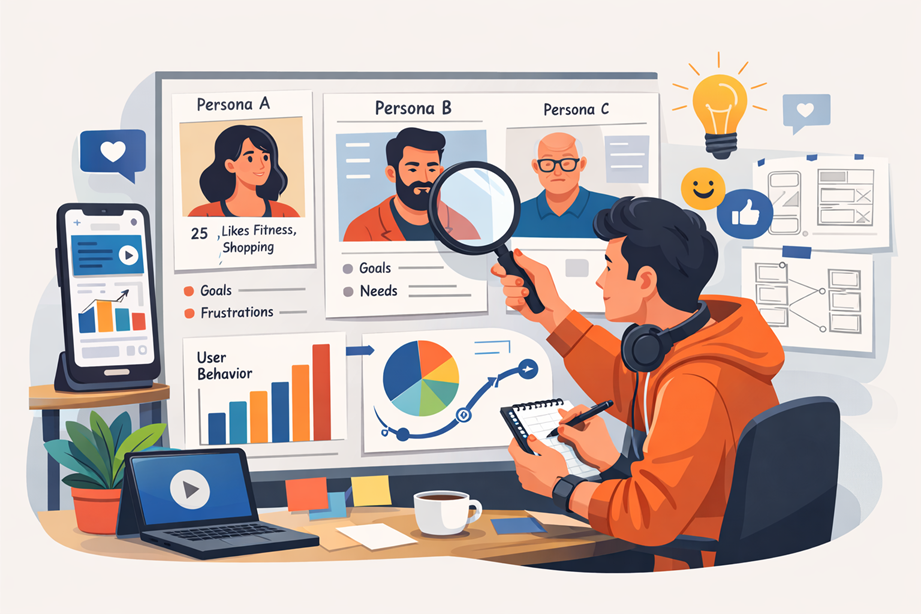
User-centric design ensures that every element of your app is created with the user’s needs, emotions, and expectations in mind. Instead of designing what looks good to the designer, you focus on what works best for your users.
Why It Matters
- It increases usability.
- Leads to higher satisfaction levels.
- Reduces confusion and app abandonment.
How to Implement It
- Conduct user research.
- Build user personas.
- Identify user goals and challenges.
- Test prototypes with real users.
2. Consistency and Predictability
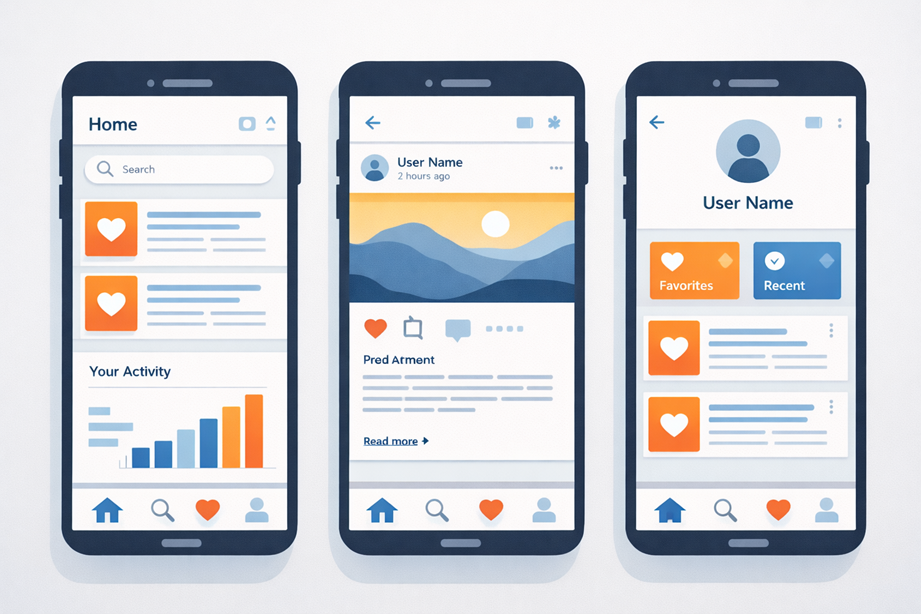
Consistency is one of the most important app design principles because users expect seamless patterns across all screens.
Why It Matters
- It minimizes the learning curve.
- Users can navigate faster.
- It enhances the overall professional appearance.
How to Maintain Consistency
- Use a consistent color scheme.
- Keep uniform typography.
- Follow platform-specific design guidelines.
- Use reusable UI components.
3. Simplicity and Clarity
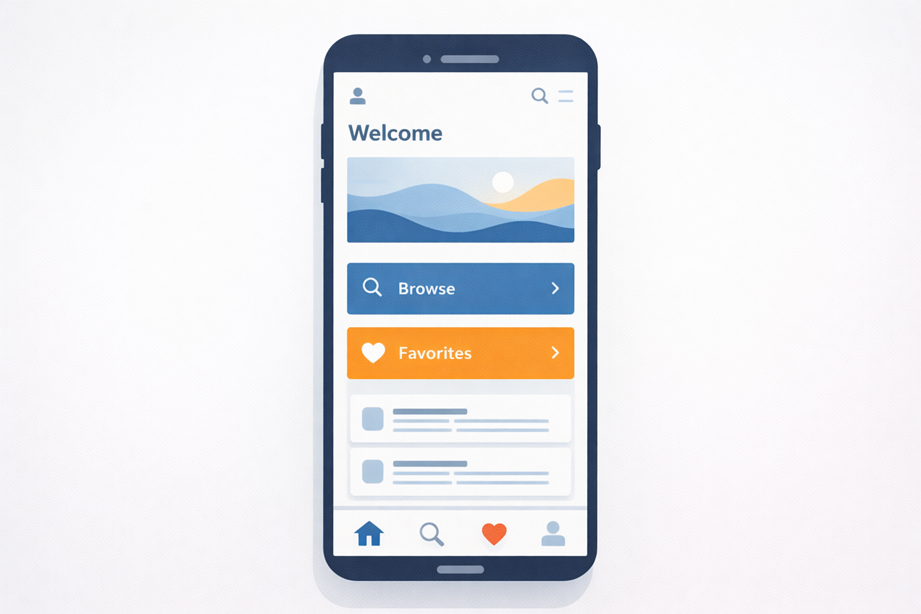
Simplicity is a timeless design principle. Users prefer apps that are clean and easy to navigate. Too many elements, colors, or buttons can overwhelm them.
Why It Matters
- Reduces cognitive load.
- Streamlines the user journey.
- Helps users quickly find what they need.
Tips to Achieve Simplicity
- Keep content readable.
- Use white space effectively.
- Avoid complicated menus.
- Focus on the essential features.
4. Visual Hierarchy
Visual hierarchy means arranging content in a way that guides the user’s eyes naturally from most important to least important elements.
Why It Matters
- Helps users immediately understand focal points.
- Makes navigation easier.
- Improves reading and scanning behavior.
How to Apply Visual Hierarchy
- Highlight primary actions.
- Use larger fonts for headings.
- Use contrasting colors smartly.
- Create a clear design flow.
Visual hierarchy directs attention and improves usability significantly.
5. Accessibility
Accessibility ensures that your app can be used by everyone including people with disabilities.
Why Accessibility Matters
- You reach a wider audience.
- It improves inclusivity.
- It builds brand responsibility.
How to Improve Accessibility
- Use readable fonts.
- Offer high contrast mode.
- Provide captions and labels.
- Ensure the app works with screen readers.
Accessibility is not optional anymore. It is an essential practice for modern app design.
6. Loading Speed and Performance
Users expect apps to load quickly. Any delay can reduce engagement.
Why It Matters
- 1 second delay affects conversions.
- Slow apps lead to high uninstall rates.
- Performance impacts user trust.
How to Enhance Performance
- Optimize images.
- Remove unnecessary scripts.
- Test for performance bottlenecks.
- Use lightweight frameworks.
Fast apps create smooth, enjoyable user journeys.
7. Feedback and Response
Apps must respond to user actions instantly to show that the action has been registered.
Examples of Good Feedback
- Button color change during tap.
- Loading indicators.
- Haptic feedback.
- Sound cues.
Proper feedback reassures users that the app is functioning correctly.
8. Navigation Design
Navigation is one of the most important app design principles.
Good Navigation Features Include
- Predictable menus.
- Clear labels.
- Easy access to major features.
- Logical placement of buttons.
Navigation Patterns
- Bottom navigation bar.
- Hamburger menu.
- Tab bar.
- Gesture-based navigation.
Good navigation ensures users don’t get lost inside your app.
9. Touch-Friendly Interface
Apps should be designed for fingers, not mice. Make sure buttons and interactive elements are large enough and spaced properly.
Guidelines
- Minimum touch target size 44px.
- Adequate spacing between clickable elements.
- Avoid placing buttons too close to screen edges.
Touch-friendly layouts reduce user frustrations and accidental taps.
10. Personalization
Personalization makes your app feel more relevant and helpful to users.
Examples
- Personalized recommendations.
- Recently viewed items.
- Location-based suggestions.
- Customizable themes.
Personalization improves engagement and boosts loyalty.
11. Security and Trust
Security is a core part of app design.
How to Improve Trust
- Use encryption.
- Offer secure login methods.
- Display privacy policies.
- Prevent data breaches.
- Be transparent with permissions.
A secure app builds long-term reliability.
How Infotech Wayout Implements Effective App Design
At Infotech Wayout, our approach to app design is centered around the perfect balance of aesthetics and functionality. We focus on:
- Deep user research
- Modern UI trends
- Strong UX architecture
- Scalability
- Accessibility
- Security-first design
- High-performance optimization
Our expert designers and developers collaborate to build apps that are fast, intuitive, and visually stunning.
Common App Design Mistakes to Avoid
Even experienced teams sometimes make mistakes that can affect the success of the app.
Common Mistakes
- Overcomplicating the interface
- Using too many colors
- Lack of proper spacing
- Ignoring accessibility
- Poor navigation structure
- No clear call-to-action
- Inconsistent design patterns
- Cluttered screens
Avoiding these mistakes ensures your app is user-friendly and effective.
Conclusion
Great app design is not accidental. It is the result of thoughtful planning, user-focused decisions, and strong design principles. By combining simplicity, accessibility, consistency, and strong usability practices, you can create apps that users genuinely love to use. Following the right app design principles helps ensure your app performs well, stays competitive, and delivers long-term value to your business.
At Infotech Wayout, we help businesses transform ideas into seamless digital experiences. With the right approach and design strategy, your app can stand out in a crowded market and become a powerful tool for your brand.
FAQs
1. What are the most important app design principles?
The most important principles include user-centric design, simplicity, visual hierarchy, accessibility, consistency, navigation clarity, and performance optimization.
2. Why is app design so important today?
Because users expect fast, intuitive, and visually appealing apps. Good design increases retention and engagement.
3. How can I improve the usability of my app?
Focus on clear layout, simple navigation, readable text, accessible colors, and consistent UI elements.
4. What tools are used for app design?
Designers commonly use Figma, Adobe XD, Sketch, InVision, and Canva for UI design.
5. How many times should I use my keyword in a blog?
Typically 4 to 5 times, placed naturally within the content.
6. What makes an app more visually appealing?
High-quality graphics, balanced spacing, a consistent color palette, and a clean layout improve visual appeal.
7. How long does it take to design a mobile app?
Time varies depending on app complexity but generally ranges from 2 to 8 weeks.
8. Does Infotech Wayout offer app design services?
Yes. We offer UI and UX design services that blend creativity, functionality, and strategic design thinking.

